Financial Metrics in Excel / Google Sheets
A financial data plugin that actually works. Get data you need in one place to build comps, models, or dashboards.
A financial data plugin that actually works. Get data you need in one place to build comps, models, or dashboards.
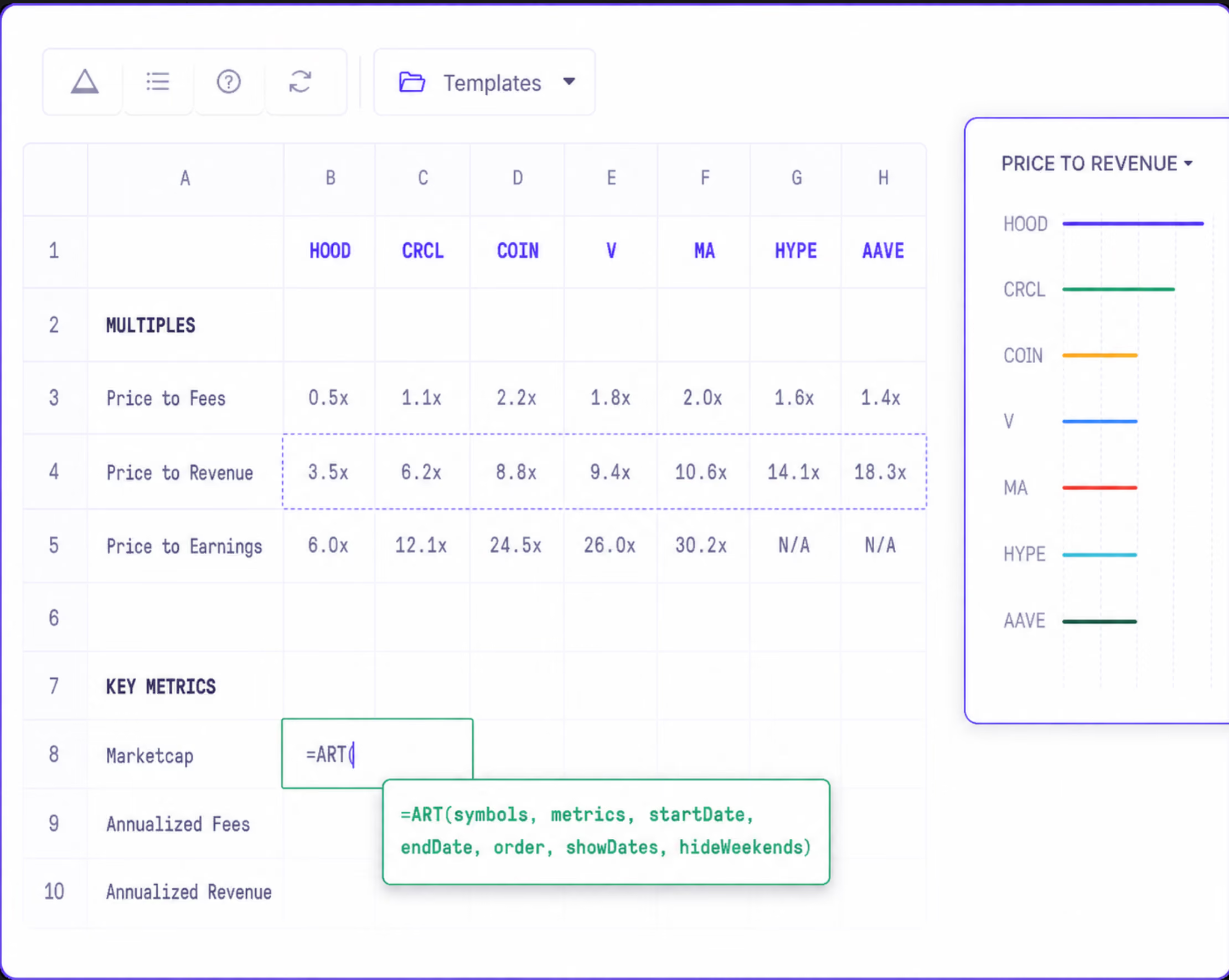



We spent time working at Permira, Insight Partners, Whale Rock and designed THE investing data plugin that we wish we had. Our syntax will be very familiar to those who used CapIQ.
Say good bye to downloading 10 different CSVs from different websites. Get all the data automatically refreshed in your spreadsheet. Need a set of metrics? Ping us.
With a paid license to Artemis, you can pull all the data you need in one place without having to code.
No need to write SQL. Just use =ART() formula in Excel and Google Sheet and get started building valuation models, comp tables, portfolio trackers.
.svg)
.svg)
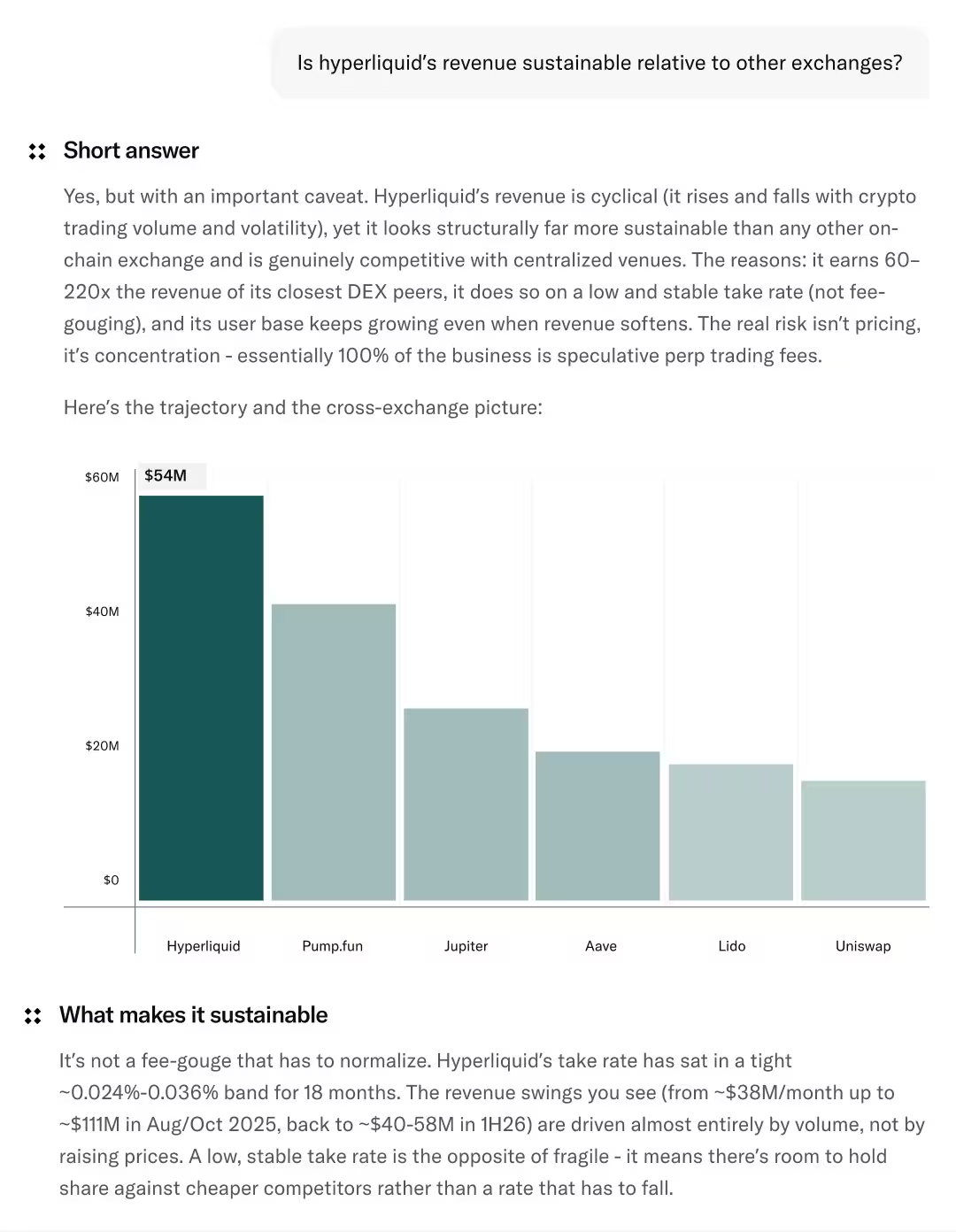

Follow the easy installation process and integrate the plugin into your chosen platform to start pulling your fundamental metrics

Choose the desired plugin option - Excel add-in or Google Sheets extension - and seamlessly install it into your spreadsheet.
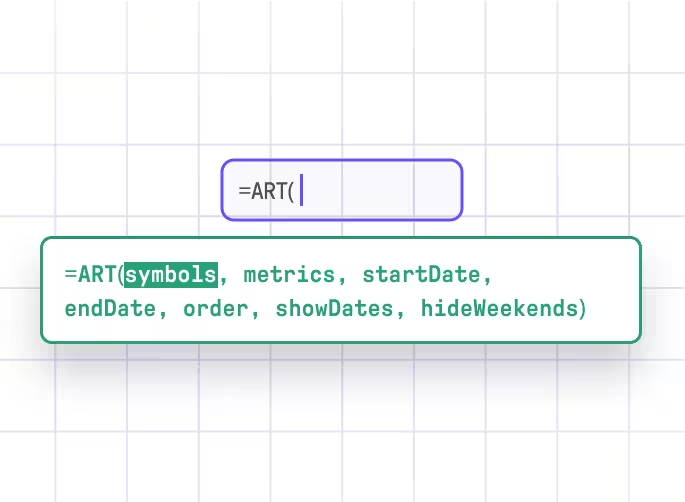
Use the powerful =ART( ) function to retrieve data on thousands of tokens and fundamental metrics, empowering you to perform comprehensive analysis.

Leverage reliable financial data within your spreadsheets to take actionable steps such as building models, creating screeners, and effectively managing your portfolio for optimal results.